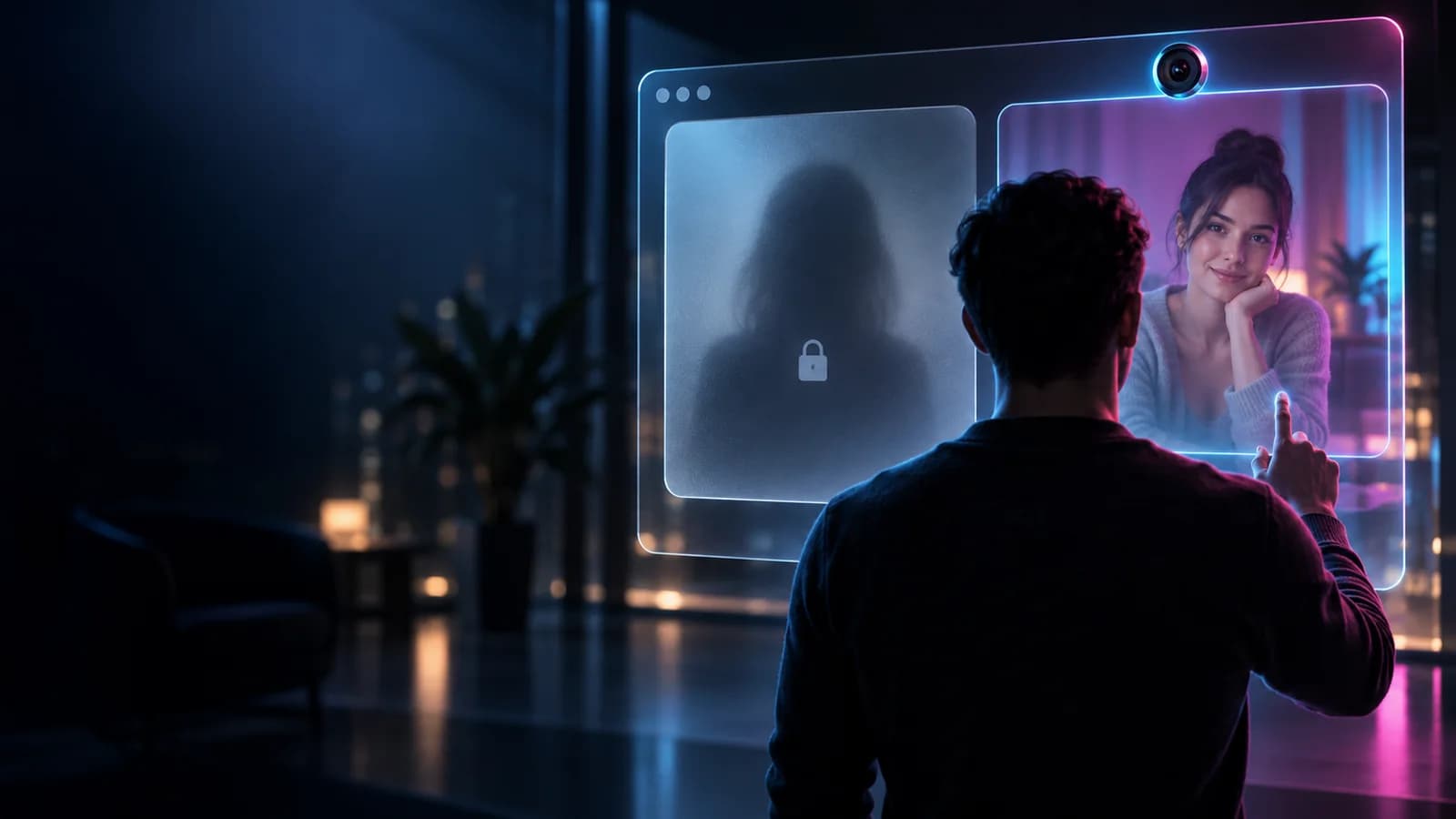
Your first live video session should not require technical expertise or a long profile. It does benefit from two minutes of preparation. A deliberate setup improves picture and sound, protects information in the room, and makes browser prompts much easier to understand. It also means that when a match begins, your attention can stay on the conversation rather than on a hidden microphone control.
NudeCam.io is an adults-only experience for consenting participants aged 18 or older. If you are eligible, this guide takes you from the moment before opening the site through the end of a first match. It explains guest and account paths, camera permissions, network basics, live controls, etiquette, safety, and common recovery steps. The goal is confidence, not perfection: you should know what the product is asking, what another person can see, and how to stop whenever you choose.
Begin with eligibility and a private setting
Use NudeCam.io only if you are at least 18 and legally permitted to access an adult-oriented live chat where you are located. The age gate is a meaningful boundary, not a decorative screen. Do not allow a minor to use your device or appear in the background. If you suspect the person in a match is underage, leave and report immediately.
Choose a room where you can speak without exposing other people. A neutral wall is better than a wide view of a home. Remove mail, work identification, photographs, medication, and anything that displays a name, location, routine, or organization. Look for reflections and listen for notifications that might announce private information.
Tell nearby adults when a camera is active and use headphones if they could hear the other participant. Place a phone or laptop on a stable surface. A secure setup prevents sudden movement from revealing the room and makes the conversation more comfortable.
Check camera, microphone, light, and framing
Open the device’s camera preview or rely on the platform preview before matching. Confirm that the correct camera is selected. Laptop users may have an internal camera plus a USB webcam; mobile users may have several rear lenses with dramatically different fields of view.
Position the lens near eye level and leave a little space around your face. Light should come from in front or slightly to the side, not only from a bright window behind you. Ordinary soft room light is enough. Better light reduces video noise and helps the encoder use bandwidth more efficiently.
Test the microphone by speaking at a natural volume. Headsets often reduce echo, while a phone microphone may work best when it is not covered by a hand or case. Close conferencing apps that might already own the camera. If you use a virtual camera, make sure you understand what it outputs before granting access.
Understand the browser permission moment
The browser controls access to camera and microphone. When NudeCam.io requests permission, the prompt should identify the site and the requested device categories. Choose allow only when you are ready to share those inputs with the session flow. Denying permission is recoverable, but the browser may require you to reopen the site controls before it will ask again.
On desktop browsers, look for a camera, lock, or site-settings icon near the address bar. On mobile, permissions may also be managed in the operating system’s application settings. Confirm that the browser itself has system-level camera and microphone access, then confirm the site-level choice.
A permission does not necessarily mean another participant is already watching. The interface should show preview and connection state. Still, treat an enabled camera as active and use the on-screen mute or camera control when you want to stop sending media. Afterward, you can revoke persistent permission if the device is shared.
Choose guest access or an account intentionally
Guest mode is the fastest way for an eligible adult to evaluate the core camchat. It avoids building a full public profile before you know whether the experience suits you. Guest does not mean untraceable or outside community rules. Technical, safety, and moderation systems may still process the data needed to operate the service.
An account is more appropriate when you want settings to persist, to maintain a profile, use friendship or messaging features, build reputation, or manage optional premium controls. Use a unique password and secure the recovery email. Share only profile information you are comfortable connecting to future visits.
You do not need to make the permanent choice before a first conversation. Start with the lower-commitment path if uncertain. Register later because the features are useful, not because a screen pressures you to do so.
Learn the matching and waiting states
After media preparation, matching places you in a queue of available participants. Waiting time can vary with activity, declared preferences, language, safety constraints, and technical readiness. Filters may improve relevance but can also reduce the number of compatible people currently available.
The interface should distinguish waiting from connecting. During waiting, review the preview and confirm that mute and camera states match your intention. During connection, avoid repeatedly reloading because that can restart permission or queue state. If the process clearly stalls, use the visible cancel or retry action rather than opening many tabs.
When a match appears, allow a brief moment for video and audio negotiation. One side may connect before the other. A blank remote tile for a second does not necessarily mean failure. Look for connection feedback and decide calmly whether to wait, retry, or skip.
Use the live controls before you need them
Identify mute, camera on or off, camera switch, skip, report, and exit. On mobile, check whether controls collapse and how to reveal them again. Make sure the exit is distinct from a harmless display action. A modern interface should make high-stakes controls reachable and labeled.
Muting stops audio transmission through the session but does not silence the room for people physically nearby. Turning the camera off should stop the current video track; confirm the visual state rather than assuming. Switching cameras can reveal a new scene immediately, so point the device safely first.
Skipping ends the current encounter and returns to discovery. Use it freely and respectfully. Reporting is for conduct that may violate rules or endanger people. You can leave first and report through the provided flow; you do not need to remain exposed while deciding.
Start the conversation without performing
A simple greeting is enough. Ask whether audio is clear, then choose an ordinary topic. A first match does not need to become a dramatic connection. Treat the other adult as a participant with equal control rather than as content delivered by an app.
Accept that some people will skip quickly. They may be looking for a different language, dealing with a technical issue, or simply not in the mood. Do not chase, insult, or retaliate through reports. Likewise, you can leave any match without apologizing for having a boundary.
Avoid immediate requests for private contacts, money, identity proof, or activity the other person has not chosen. Ask before changing the tone. Consent is specific and reversible. A respectful conversation can adapt to a “no” without becoming awkward or hostile.
Protect your privacy during a friendly match
Positive emotion is not verification. Do not disclose a full name, address, workplace, daily route, financial information, authentication code, or identity document. Be cautious with stories that combine urgency and payment. Do not click login links sent by a stranger or install remote-access software.
Assume that anything visible could be captured externally. No browser can prevent someone from using another camera to record a display. This does not mean you must expect betrayal; it means you should choose a frame and behavior that remain safe even if the other person is less responsible than they appear.
If you want to continue elsewhere, use a limited-purpose account and review its public history. Move one step at a time. A trustworthy person will not demand immediate access to your full identity as proof of interest.
Troubleshoot the most common first-session problems
If the camera is unavailable, close other video applications, check the browser and operating-system permissions, choose the correct input, and reload once. If video appears but audio does not, confirm both the physical mute control and the site’s microphone selection. Bluetooth headsets may switch profiles when the microphone activates; reconnecting can help.
For choppy media, pause downloads, move closer to Wi-Fi, reduce background motion, and keep the device powered. Switching between mobile and Wi-Fi during a session can interrupt network routes. If possible, make the change before matching.
If connection repeatedly fails on a restricted network, try a normal private network where live media is permitted. Do not disable device security or install unknown software to force a connection. Capture the non-sensitive error state and browser version if you contact support, but never send passwords, private keys, or identity documents.
Try a short guided session on NudeCam.io
Eligible adults can now turn the checklist into a low-pressure test. Open the free NudeCam.io camchat, confirm the preview, and locate every essential control before joining the queue. Set a five-minute goal: verify sound, greet one participant, practice a clean exit, and note any permission or connection state that was unclear.
Guest access is well suited to this first orientation because it keeps setup light. If the experience is useful and you want saved preferences, friendships, reputation, or other persistent options, review the account path afterward. You are not required to reveal more merely because a conversation goes well.
This invitation is also a product test. The service should let you begin and leave without mystery. If you encounter behavior that violates the rules, use report and block rather than trying to manage it alone.
End the session deliberately
Use the product’s exit action and confirm that the remote media has closed. Do not assume that closing a laptop lid immediately completes every browser action. If the device is shared, sign out, review stored permissions, and close the browser profile. Clear downloads or screenshots you intentionally created and no longer need.
Reflect on the interaction without overinterpreting it. Was the frame private? Were controls easy to reach? Did you share anything you would rather keep private? Adjust the next setup. Safety improves through small corrections, not through fear.
Report serious concerns while details are fresh. Include accurate context and avoid reposting harmful material. If a situation involves threats, extortion, stalking, suspected exploitation, or a possible minor, preserve what you can safely and contact an appropriate authority or specialist service in your jurisdiction.
Decide what to explore next
Once the basic flow is familiar, you can refine the experience. Test a headset, improve light, review language or matching preferences, and explore account features that serve a real purpose. Learn how reputation works before trying to optimize it. Review safety and privacy information again after major product changes.
Keep the original boundary intact: the platform is for consenting adults, every session is voluntary, and personal information should be revealed slowly. Technical confidence should make you more deliberate, not more careless.
The ideal first session is not necessarily the longest or most memorable. It is the one in which you understood every transition, stayed in control, treated another person respectfully, and knew how to stop. With that foundation, spontaneous live chat can feel less like a gamble and more like a conversation you actively chose.